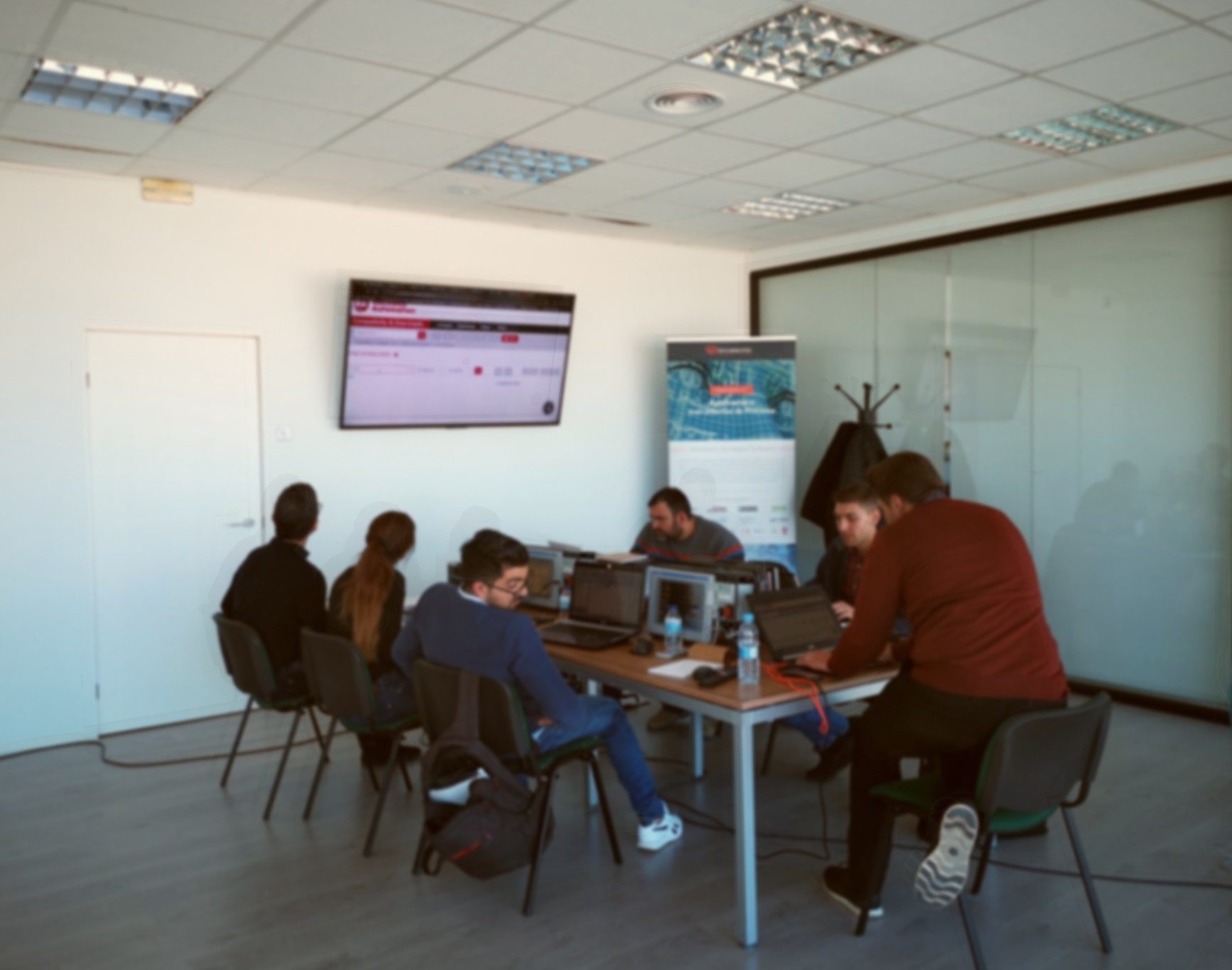
El pasado mes de Marzo realizamos unas jornadas de formación basadas en PLC, HMI y software de Rockwell Automation.
Estas formaciones, están enfocadas en la práctica con los equipos, de manera que se pueden adquirir o refrescar los conocimientos sobre estos dispositivos, sus configuraciones y su uso en un entorno real.
En cada jornada, se hace un repaso del software utilizado con cada dispositivo, Studio 5000 en el caso del Compaclogix y FactoryTalk Studio para las Panelview Plus 7, haciendo hincapié en la configuración de las comunicaciones con RSLinx, motor de todo el entorno de software de Rockwell Automation, para continuar con ejemplos básicos de programación, comunicación con equipos y tratamiento de datos.
En estas jornadas pudimos repasar las ultimas novedades en cuanto a Hardware de la familia Compaclogix y Panelview, así como las actualizaciones de software y firmware más actuales.
En concreto pudimos ver las características y funcionalidades de la nueva gama de PLC´s Compaclogix 5380:
- Dual DLR port or independent IPs
- Gb communication speeds
- CPU options capable of handling up to 32 Motion axes and 180 Ethernet nodes, including security CPU options.
On the other hand, we review the PanelView 5000 HMI range and PanelView Plus 7.
The PanelView 5000 HMI family is the new generation of touch screens that use the View Designer development environment, which is integrated into the Studio 5000 programming software, intended to bring together the new features prepared for the IIoT; they can only be used with CPUs with firmware version 27 and higher.
With features such as:
- Emulation terminal (also known as offline testing)
- Remote access via VNC
- Real-time trends
- Local data logging
- Load applications from removable media
- PDF Viewer
- Support for Logix tag-based alarms (introduced in v31)
- Automatic logout support
- Clickable dropdown subtitles
The hands-on session uses the most widely deployed range on the market today, PanelView Plus 7, focusing the training on communicating with the PLC and on creating and managing the Runtime created in FactoryTalk Studio.
This family consists of two tiers, Standard and Performance, depending on the capabilities needed for our application.
| Product Features |
PanelView Plus 7 Standard model |
PanelView Plus 7 Performance model |
| FactoryTalk Machine Edition | Y | Y |
| ViewPoint | Y | Y |
| RAM / Flash Memory | 512 MB / 512 MB | 512 MB / 512 MB |
| PDF Viewer | Y | Y |
| ActiveX Controls (Email, DataStorePlus, Recipe) | Y | Y |
| Remote Terminal Control (Based on VNC) | Y | Y |
| FTP Server | Y | Y |
| MPEG Video playback | N | Y |
| Microsoft Office Viewers | N | Y |
| Microsoft Internet Explorer | N | Y |
| Remote Desktop Services | N | Y |
| Ethernet Connectivity | Yes (Single Only) | Yes (DLR Only) |
| CPU | ARM 1GHz | x86 1.6GHz |
| Screen Sizes | 4.3”–15” | 6.5”, 9” W, 10.4”, 12” W, 19” |
| Application Sizes | 1 Controller, 25 Screens, 200 Alarms | Large Applications |
| Catalog numbers | 2711P-xxxxx8S | 2711P-xxxxx9P |
These hands-on practices give rise to configuration, communication, and questions that would arise when putting a system into operation; in this way we not only learn to navigate the environment and become familiar with the devices, but also learn how to solve or prevent problems that would arise during commissioning or maintenance of an installation.
¡No te pierdas sobre la formación y cursos que impartiremos más adelante!